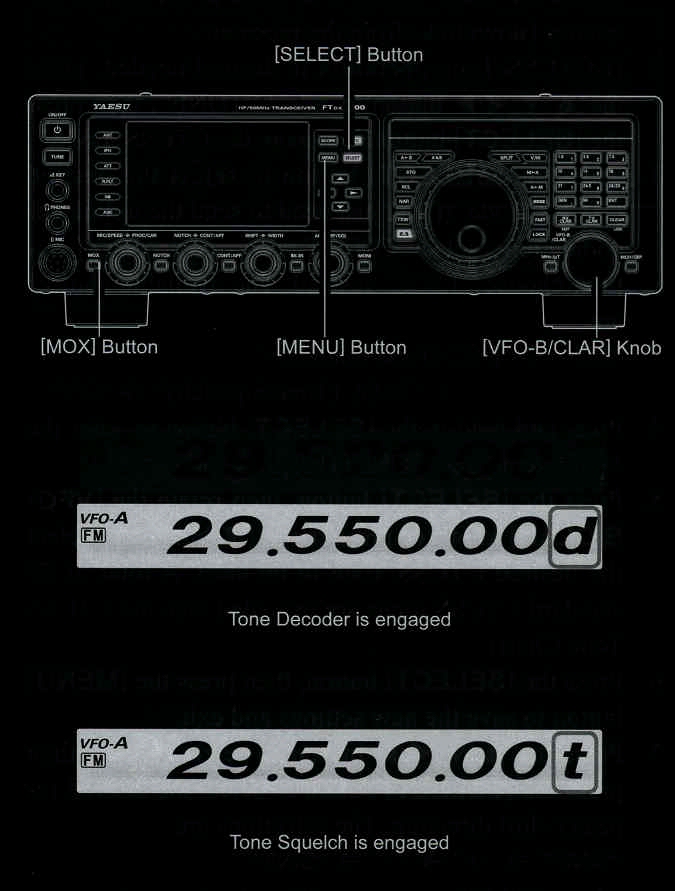
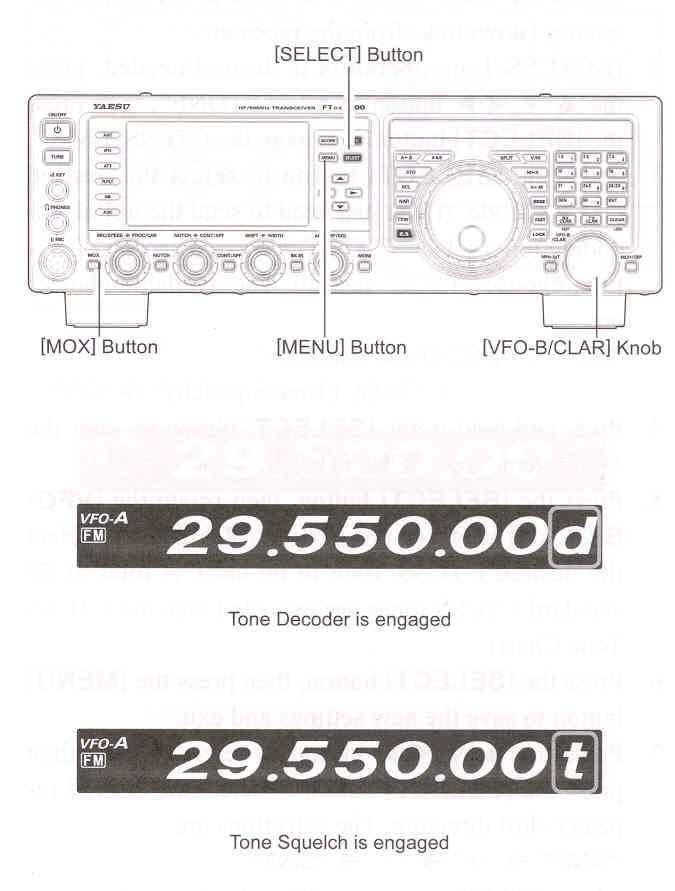
1. Rotate the Main Tuning Dial to the output frequency (downlink) from the repeater.
2. If CTCSS operatiin is desired/needed, press the ▲ / ▼ / ◄ / ► button to select "TONE", then press the [SELECT] button to engage the CTCSS mode.
3. Press the [SELECT] button to choose "T.SQL" from the available choices of
"OFF" -> "ENC (Tone Encoder)" -> "T.SQL (Tone Squelch)" -> "OFF"
4. Press and hold in the [SELECT] button to enter the Menu item "089 TONE FREQ".
5. Rotate the [VFO-B/CLAR] knob or press the ▲ / ▼ button to select the desired CTCSS Tone to be used. Fifty standard CTCSS are provided (see the CTCSS Tone Chart).
6. Press the [SELECT] button to exit from the CTCSS Tone setup mode.
7. A "d" notation on the "1 Hz" frequency digit in the display will indicate that the Tone Decoder is engaged. A "t" notation on the "1 Hz" frequency digit in the display while transmitting will indicate that the Tone Squelch is engaged.